
Timeline templates with a faster way to build them
Start from templates or generate a timeline automatically in PowerPoint.
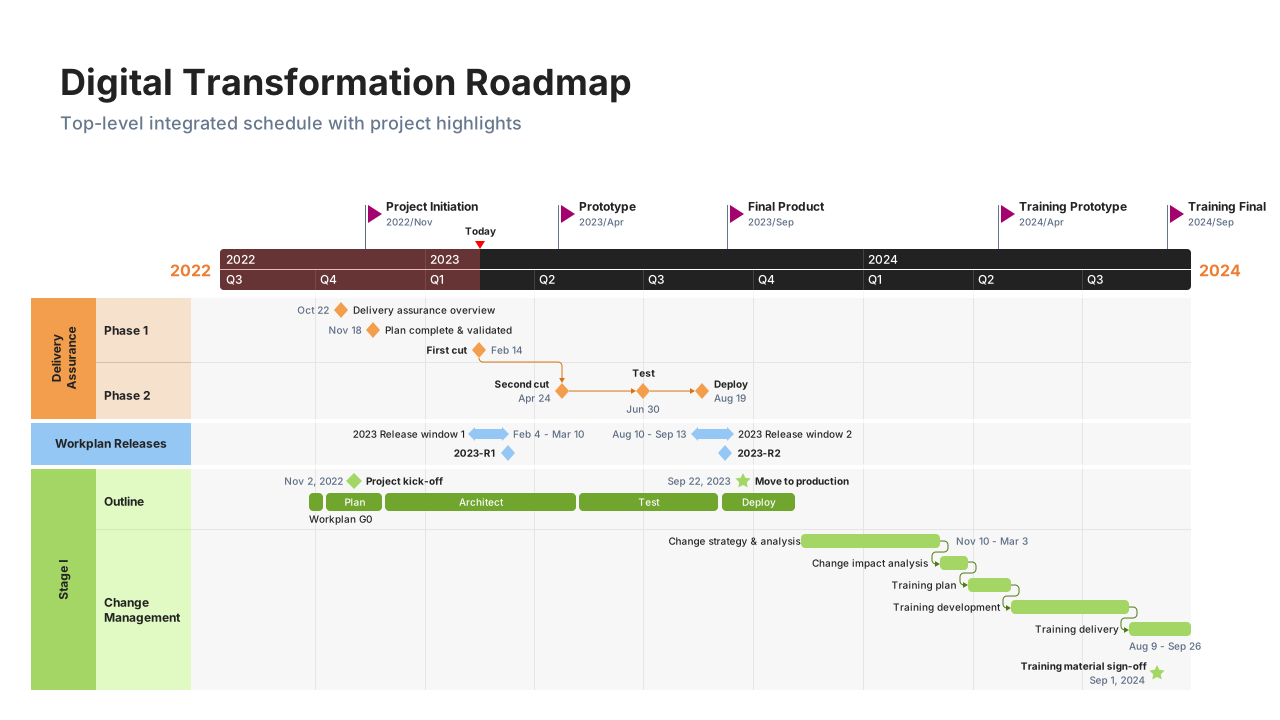
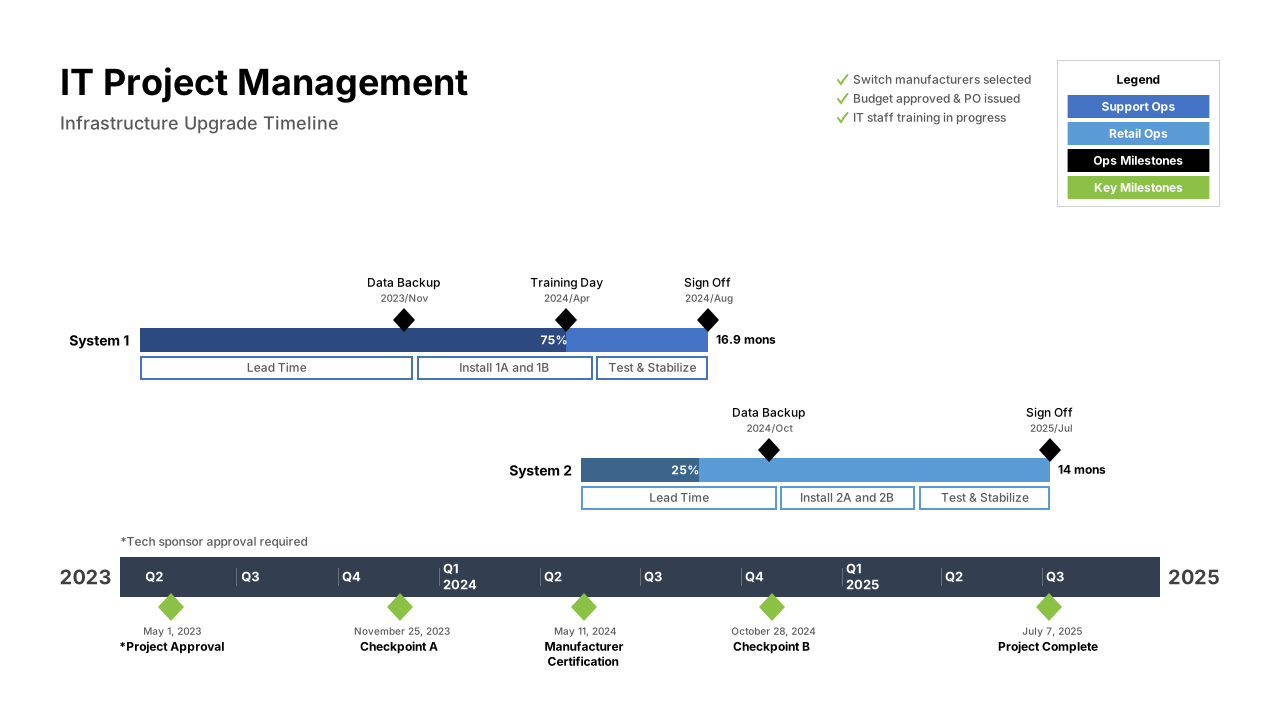
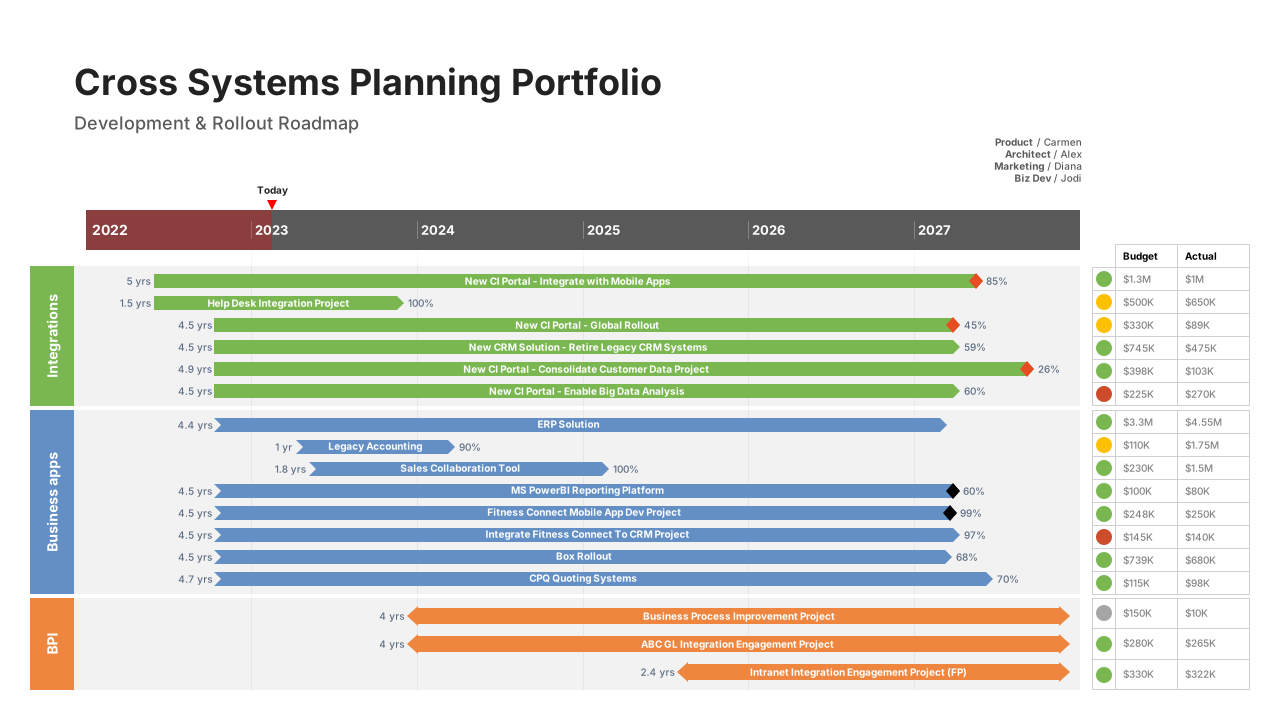
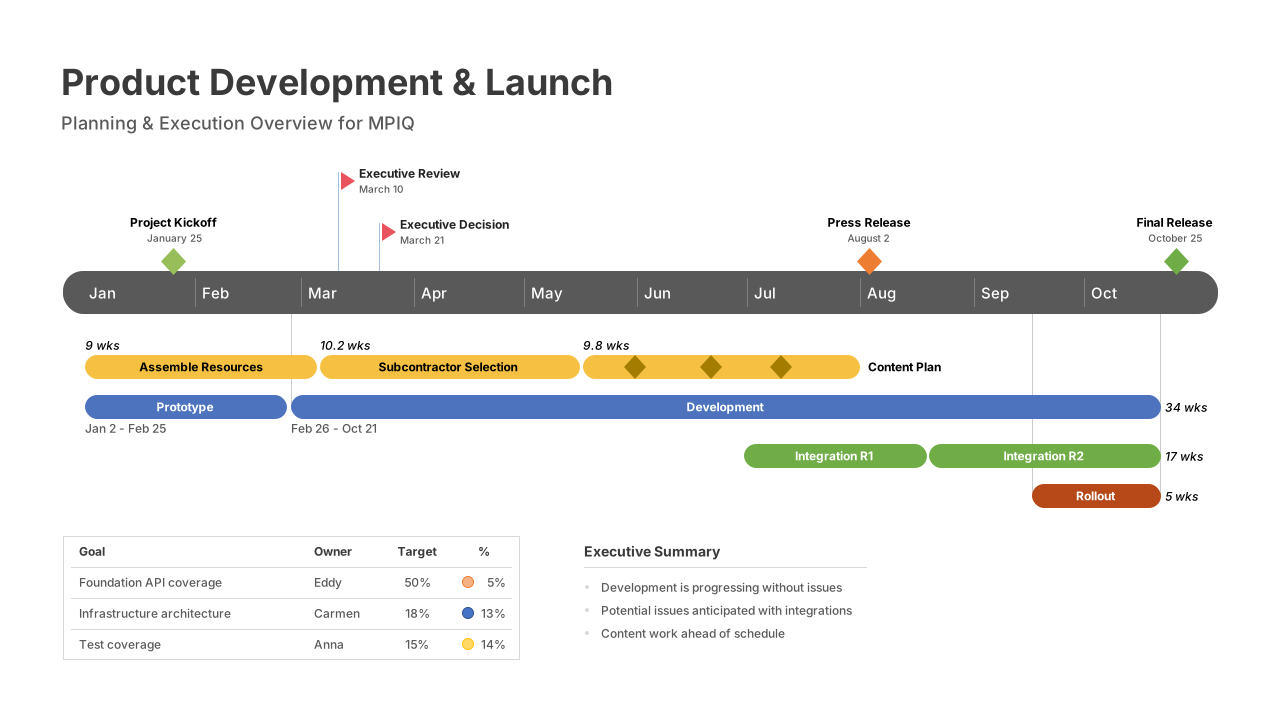
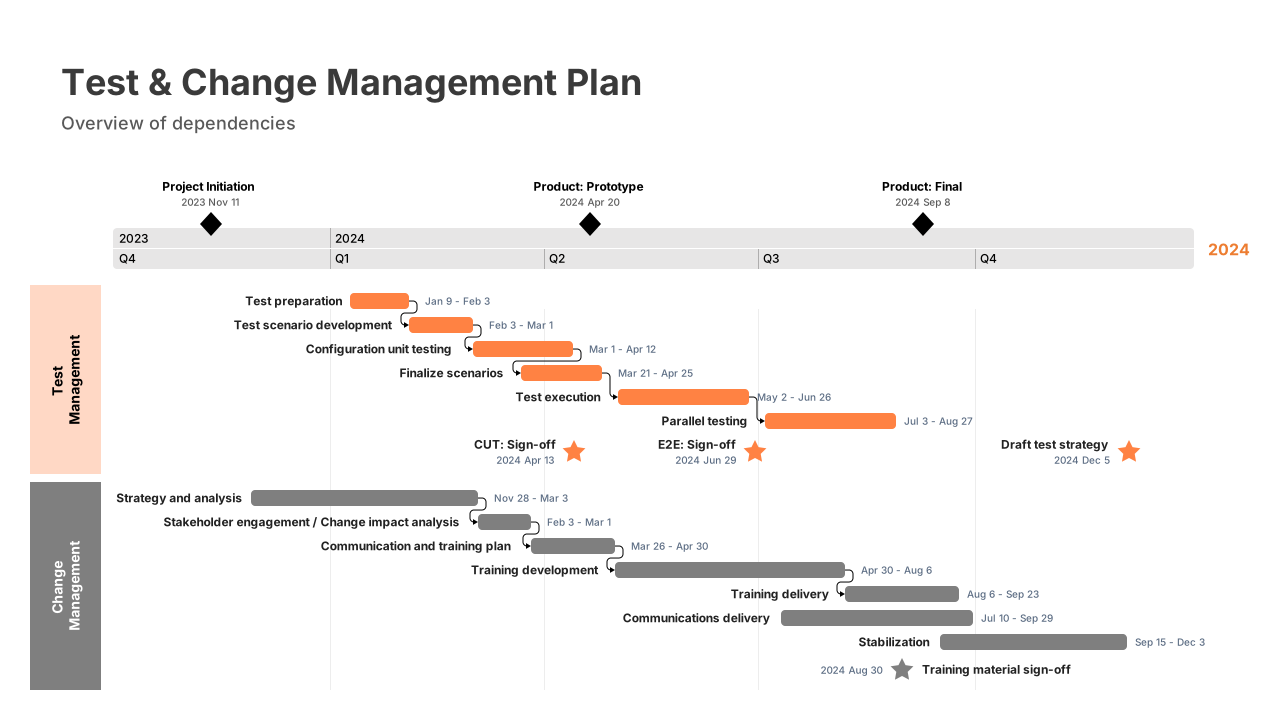
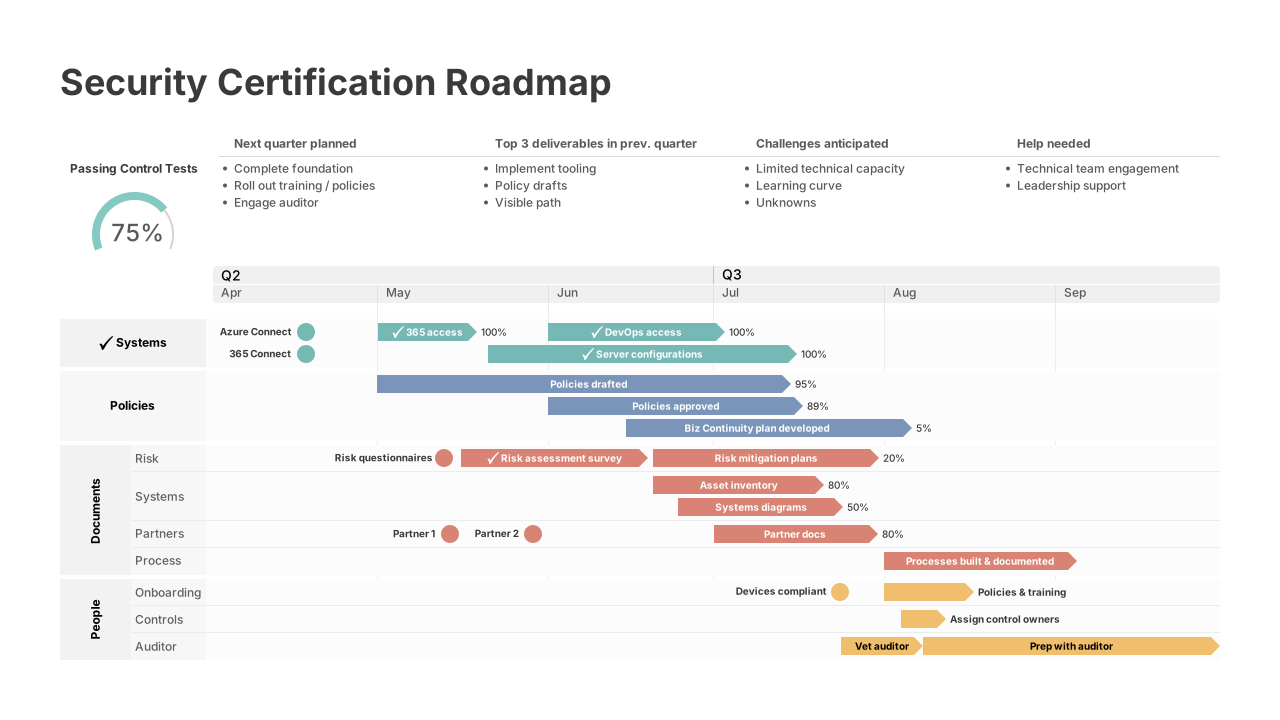
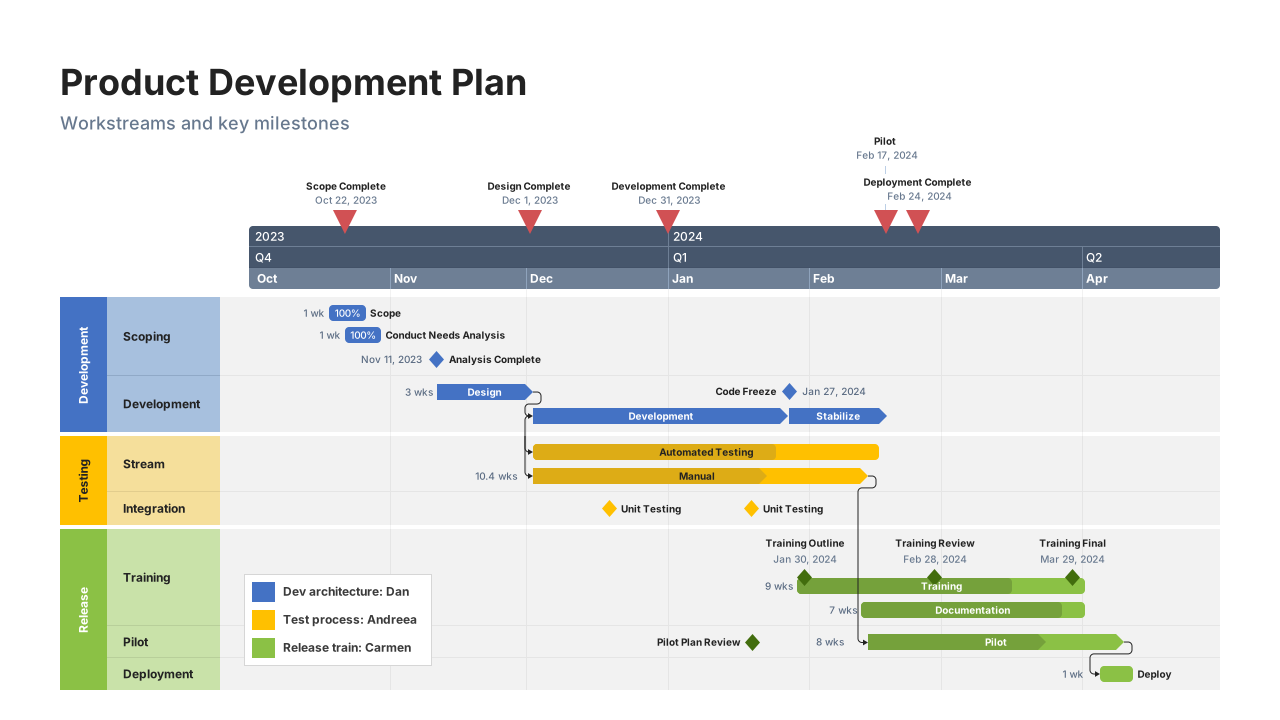






A faster alternative to manual timeline templates

Start from templates
Use professional layouts without manual formatting - just add your data and go.

Easy template updates
Adjust dates without rebuilding your timeline.

Presentation-ready results
Share polished visuals every time with templates designed for executive presentations.
Play Video
Build your timeline in under 2 minutes
- Choose a timeline template: Select from professionally designed templates for various project types and styles.
- Add your project data: Copy and paste from Excel or enter tasks, dates, and milestones directly.
- Customize and present: Adjust colors, fonts, and layouts to match your brand—no manual formatting required.
Which add-in plan is the best fit for you?
Lite
Create simple, professional timelines with ease.
less than
1-yearLitelicense, billed annually
Key features:
- Make timelines with up to 2 Swimlanes
- Stylish pre-designed themes
- Timeline & Swimlane templates
- Make timelines and Gantt charts
- Copy & paste from Excel
- Standard support
- Free updates
most popular
Plus
Create customized timelines for impactful project visuals.
less than
1-yearPluslicense, billed annually
All the features of Lite, and:
- Import data from Excel
- Make timelines with an unlimited number of Swimlanes
- Make roadmaps with Sub-swimlanes
- Show dependencies & critical path
- Templates with Sub-swimlanes
- Show multiple timescales on a timeline
most advanced
Expert
Create professional reports with advanced templates, powerful integrations, and planned vs. actual insights.
less than
1-yearExpertlicense, billed annually
All the features of Plus, and:
- Stay on brand with custom themes
- Act early and stay on schedule with Planned vs. Actual
- Standardize visuals with shared themes
- Create your own reusable templates
- Import into custom themes
- Integrates with Project, Smartsheet, Jira, etc.
- Premium support
Timeline templates that update automatically
- Office Timeline
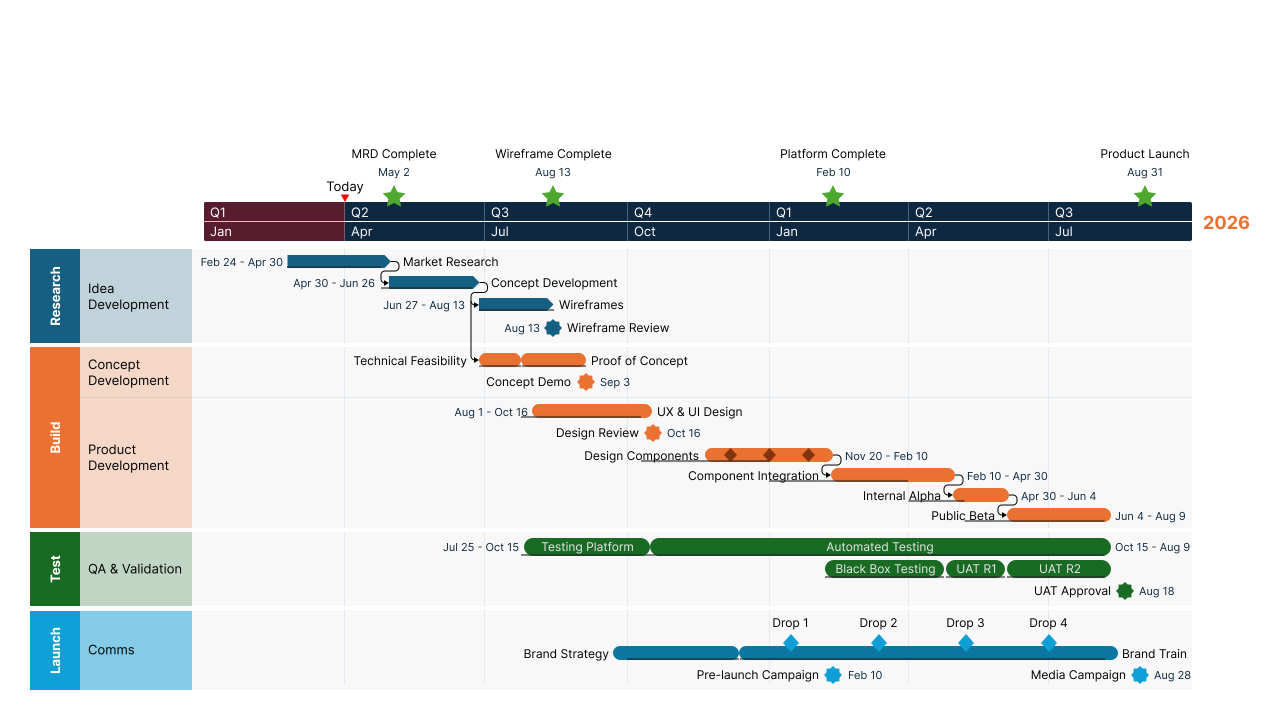
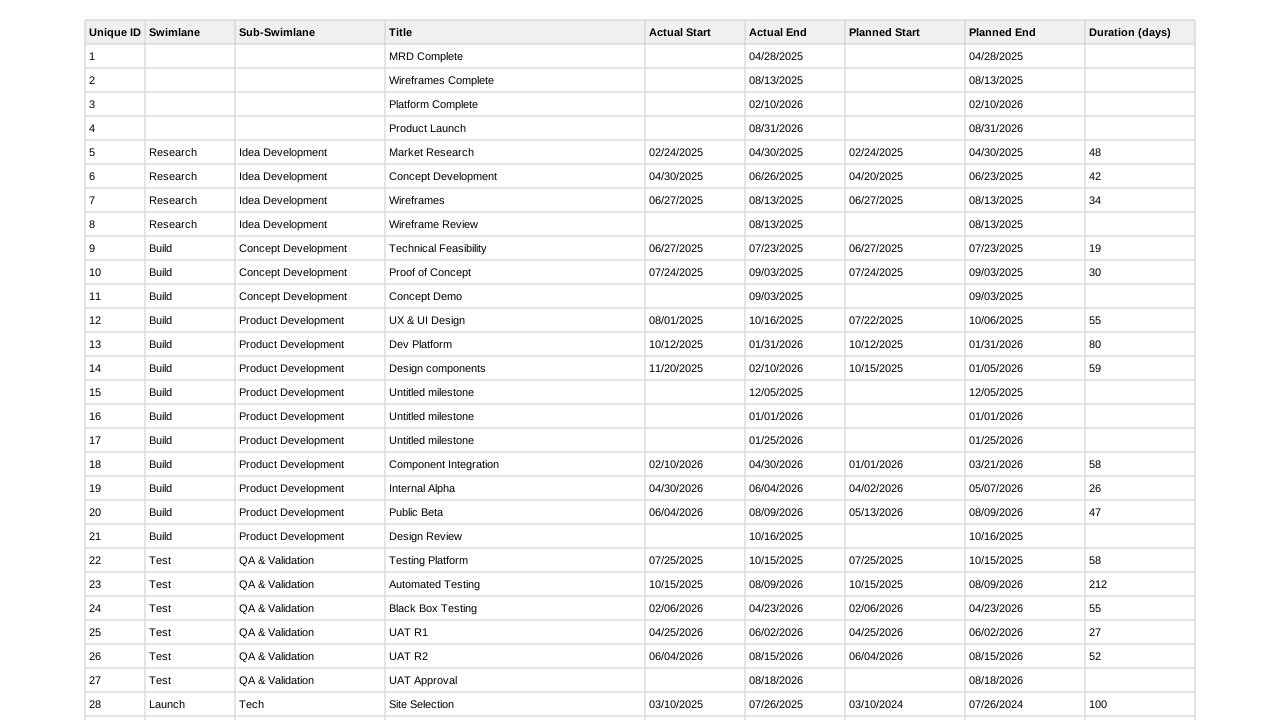 Generic data
See why professionals love Office Timeline
We've used it for long enough that I don't know how we would be able to quickly demonstrate where we are in the project and what the forecast and work streams look like without a tool like Office Timeline.
 Amy BalesVP, Project Manager III, BOK Financial
Using Office Timeline has saved me heaps of time and allowed me to get the right visualization for our clients, whether that's for an executive board meeting, a SteerCo, or a weekly team update meeting. It's the best tool out there for planning visualization.
 Jamie ChristerFounder & Director, Precision Project Partners