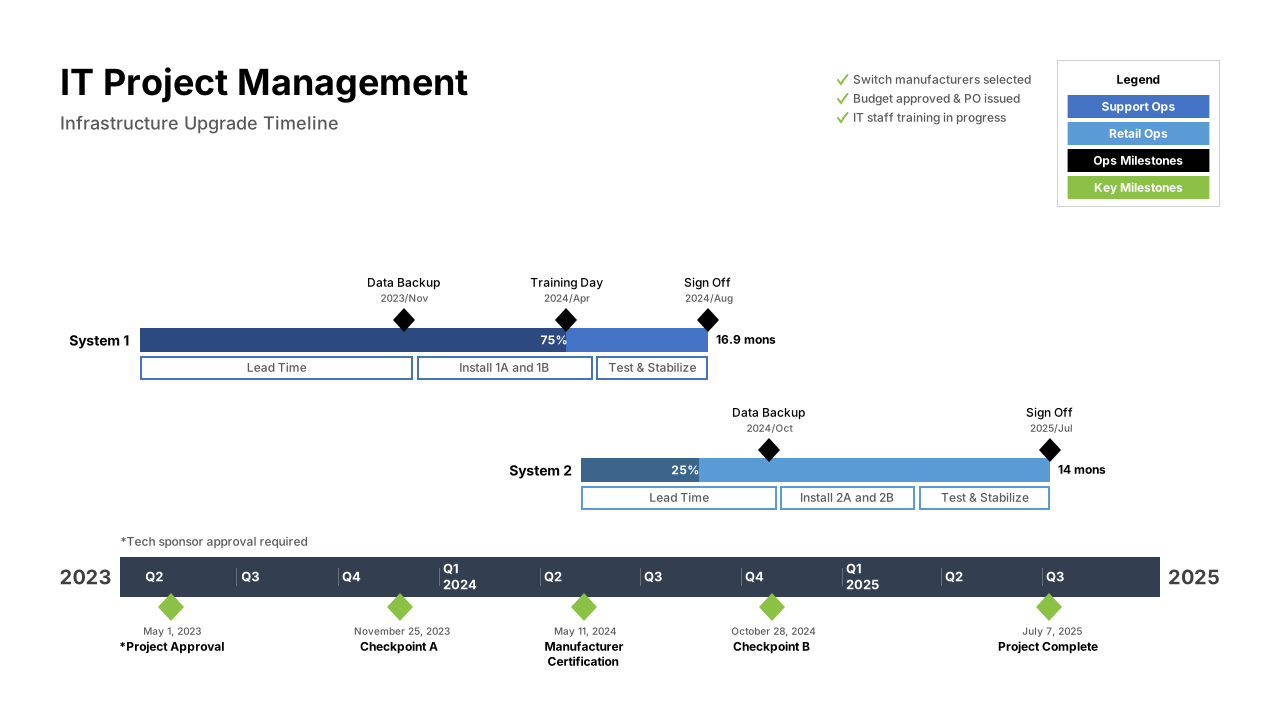
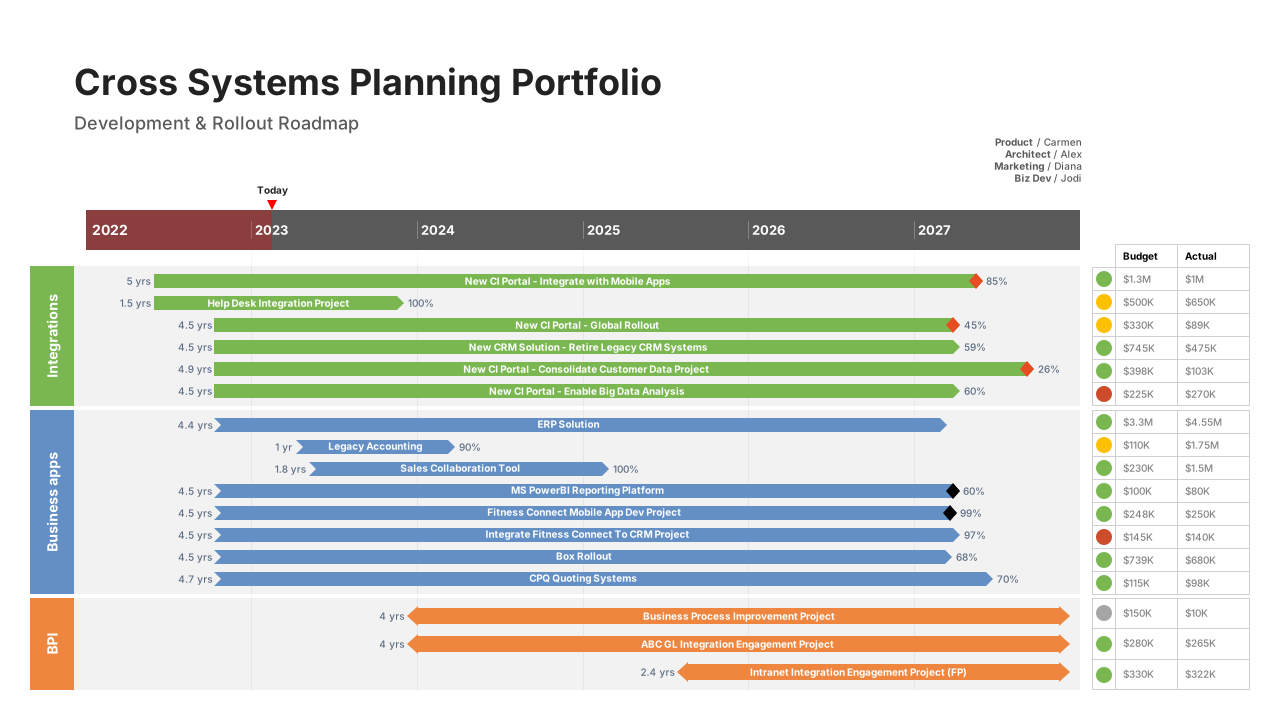
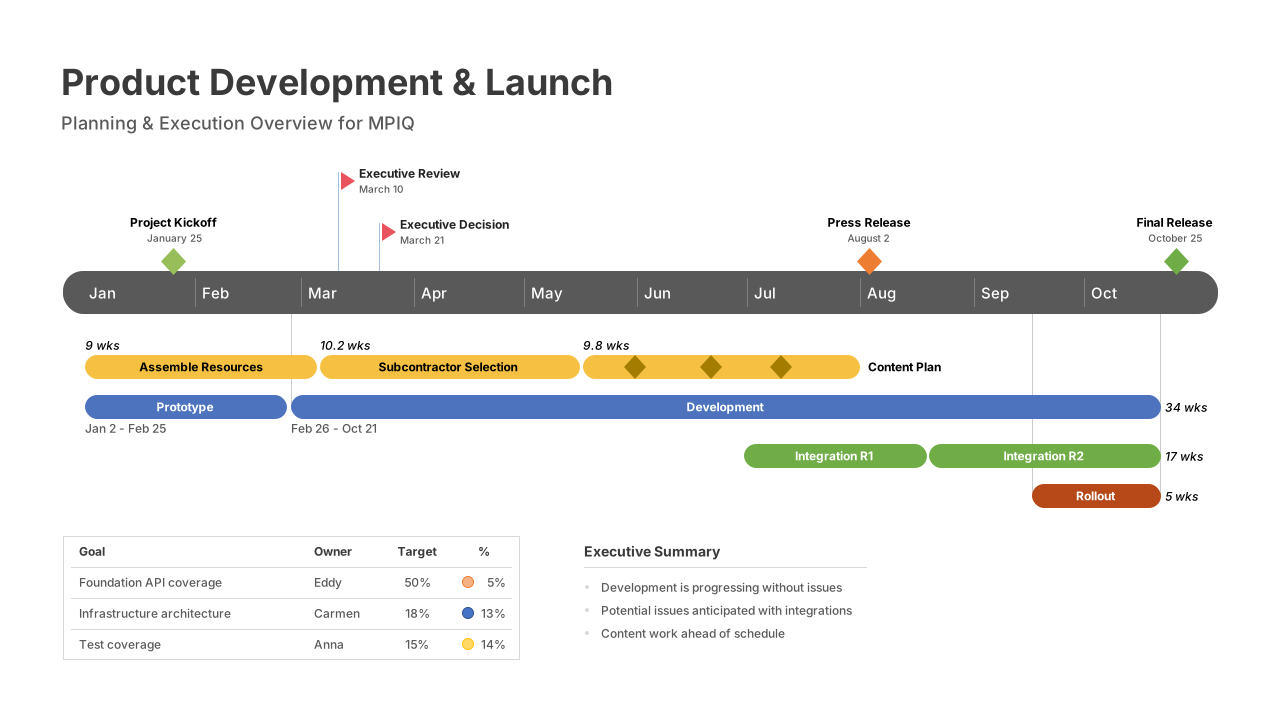
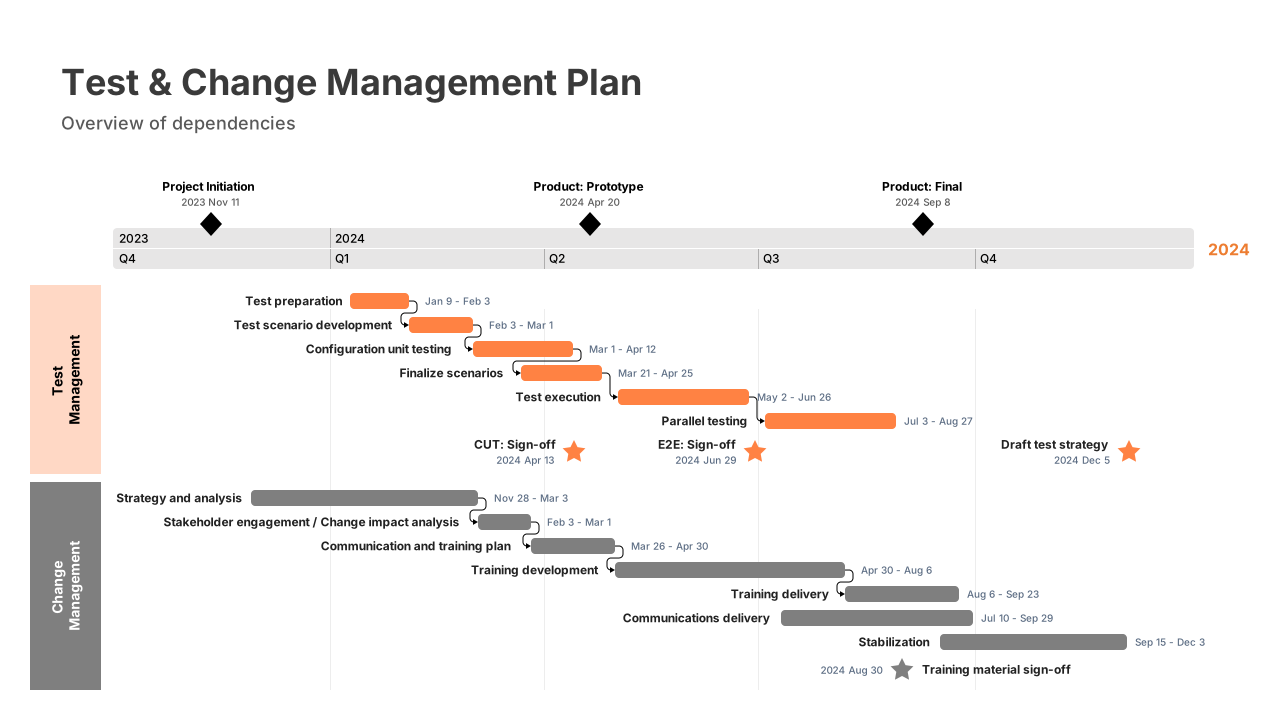
Office Timeline – free timeline maker
PowerPoint timeline tool

PowerPoint timelines made easy

Create timeline slides in minutes for project plans, roadmaps, and stakeholder updates.
Get started today!

This site is protected by reCAPTCHA, and the Google Privacy Policy and Terms of Service apply.

Trusted by over 1 million+ professionals worldwide
logo1logo2logo3logo4logo5logo6
Why choose Office Timeline

The fastest way to create PowerPoint timeline slides

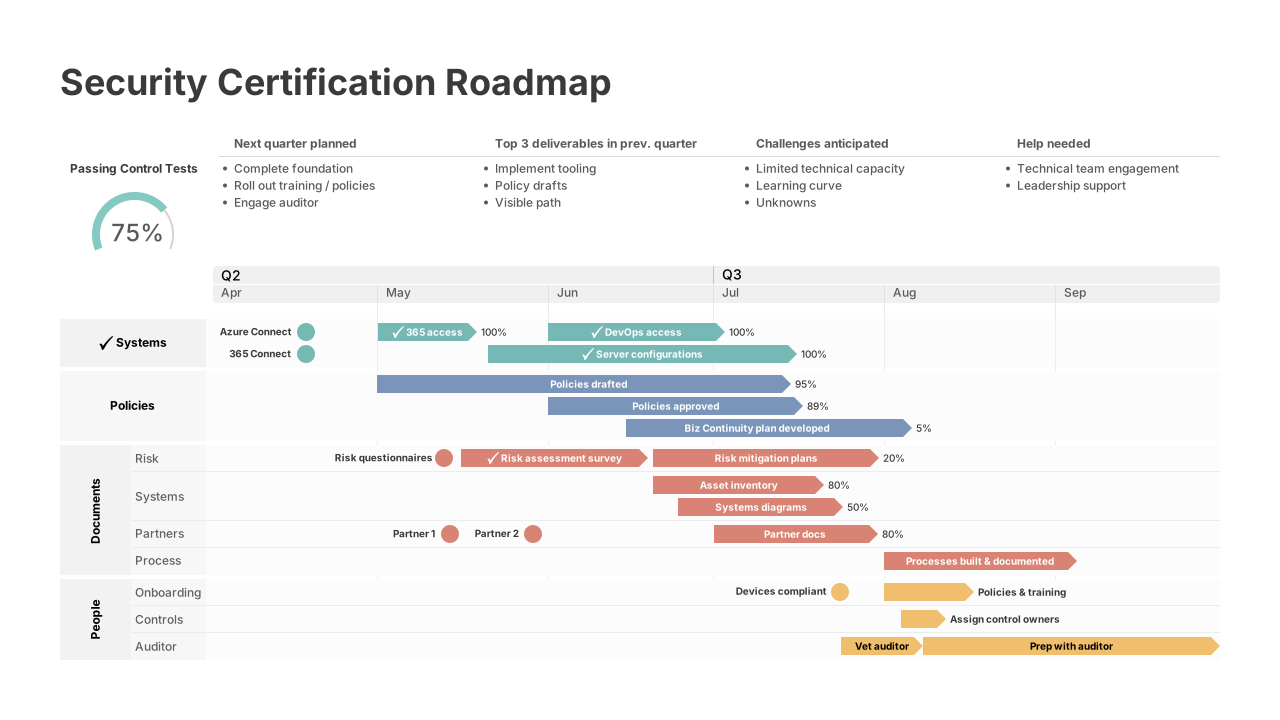
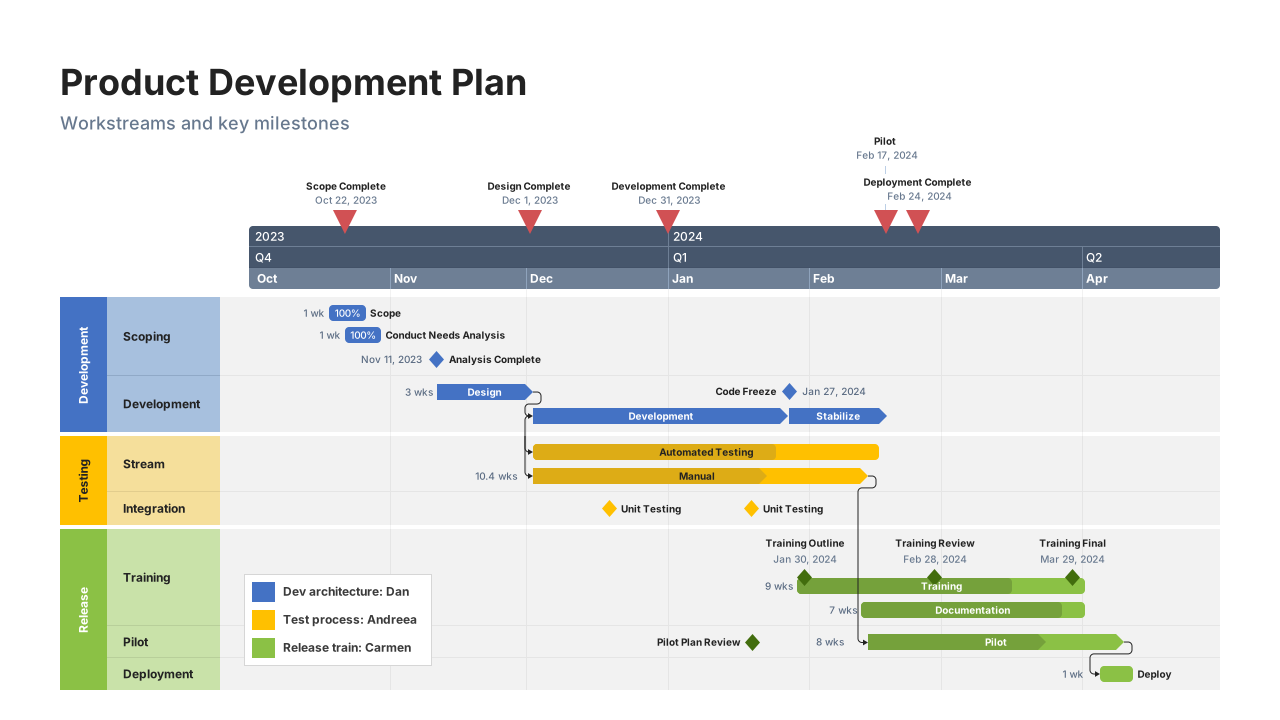
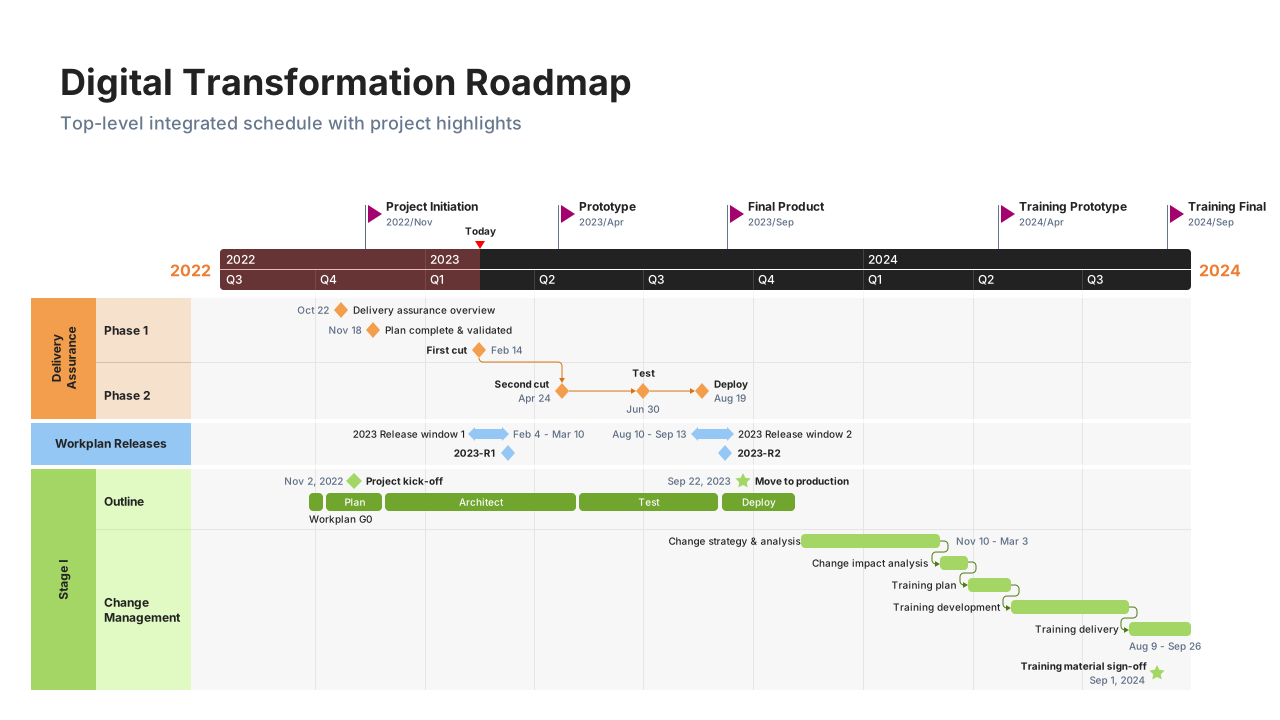
Organize projects by teams with swimlanes

Easy PowerPoint timelines

Create professional timeline slides in just a few clicks.

Real-time sync keeps timelines up to date

Automatic timeline updates

Keep dates and milestones aligned as plans change.

Streamline project presentations with Office Timeline

Clear stakeholder communication

Share timeline slides built for presentations.

Play Video

How it works

Build your PowerPoint timeline in under 2 minutes

  1. Open Office Timeline in PowerPoint: Launch the add-in directly from your PowerPoint ribbon.
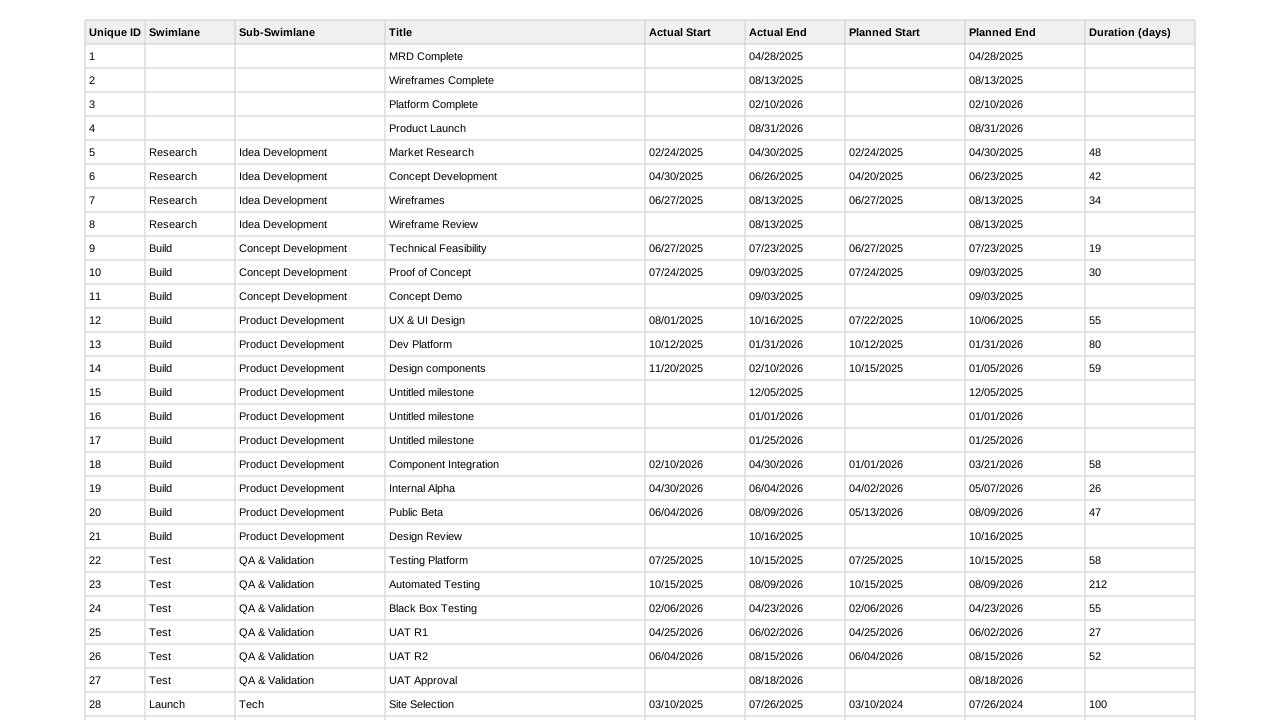
  2. Add your project data: Import from Excel, enter data manually, or start with a timeline template.
  3. Generate your timeline slide: Instantly create a polished timeline that fits perfectly in your presentation.
Choose the version that fits your needs

Which add-in plan is the best fit for you?

For general projects

Lite

Create simple, professional timelines with ease.


less than

Loading...

1-yearLitelicense, billed annually

Key features:

  • Make timelines with up to 2 Swimlanes
  • Stylish pre-designed themes
  • Timeline & Swimlane templates
  • Make timelines and Gantt charts
  • Copy & paste from Excel
  • Standard support
  • Free updates

most popular

For projects & programs

Plus

Create customized timelines for impactful project visuals.


less than

Loading...

1-yearPluslicense, billed annually

All the features of Lite, and:

  • Import data from Excel
  • Make timelines with an unlimited number of Swimlanes
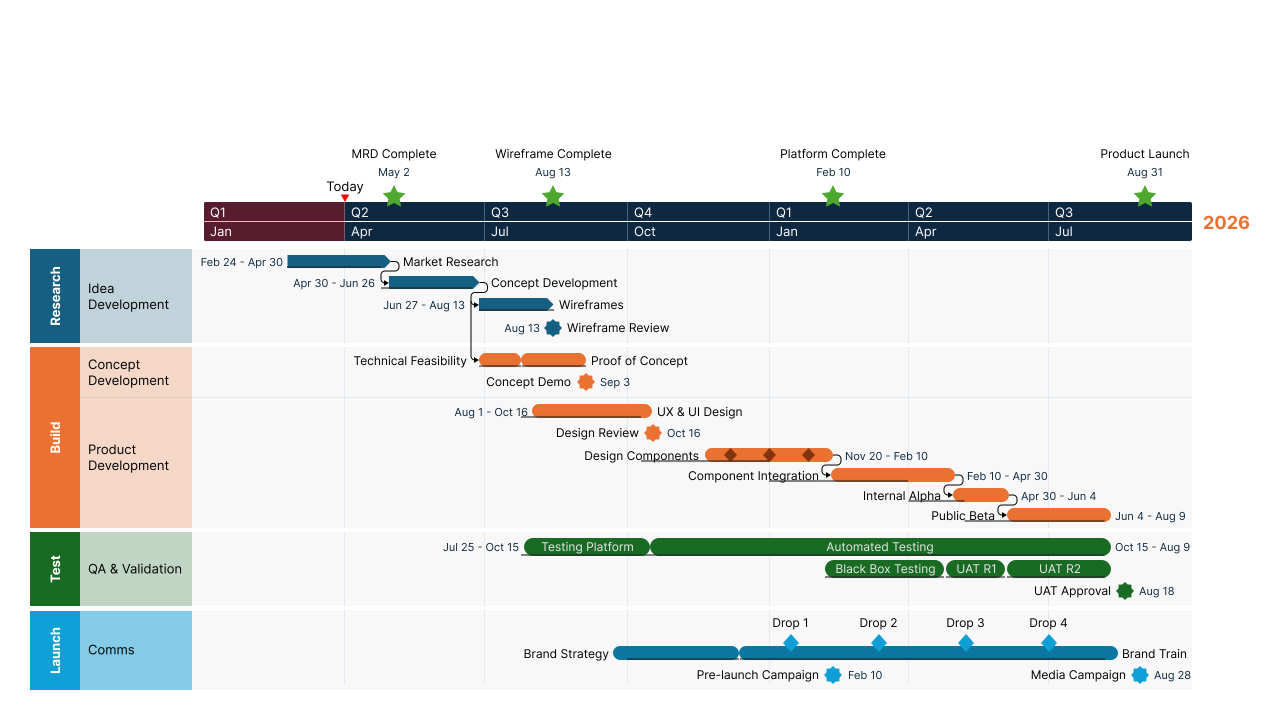
  • Make roadmaps with Sub-swimlanes
  • Show dependencies & critical path
  • Templates with Sub-swimlanes
  • Show multiple timescales on a timeline

most advanced

For cohesive programs

Expert

Create professional reports with advanced templates, powerful integrations, and planned vs. actual insights.


less than

Loading...

1-yearExpertlicense, billed annually

All the features of Plus, and:

  • Stay on brand with custom themes
  • Act early and stay on schedule with Planned vs. Actual
  • Standardize visuals with shared themes
  • Create your own reusable templates
  • Import into custom themes
  • Integrates with Project, Smartsheet, Jira, etc.
  • Premium support
Instant insight

Make PowerPoint timelines your audience actually wants to see

  • Office Timeline
    Generic data
What customers say

See why professionals love Office Timeline

  • We've used it for long enough that I don't know how we would be able to quickly demonstrate where we are in the project and what the forecast and work streams look like without a tool like Office Timeline.

    Amy Bales
    Amy BalesVP, Project Manager III, BOK Financial
  • Using Office Timeline has saved me heaps of time and allowed me to get the right visualization for our clients, whether that's for an executive board meeting, a SteerCo, or a weekly team update meeting. It's the best tool out there for planning visualization.

    Jamie Christer
    Jamie ChristerFounder & Director, Precision Project Partners
FAQ

Frequently asked questions about Office Timeline

Office Timeline is the leading PowerPoint timeline tool, trusted by over 1 million professionals worldwide. It's designed specifically for PowerPoint, works as a native add-in, and creates timeline slides automatically from your project data. Unlike generic diagramming tools, Office Timeline specializes in timelines, Gantt charts, and roadmaps - making it faster and easier to create presentation-ready visuals for project updates and stakeholder communications.

With Office Timeline, creating a project timeline in PowerPoint is simple. First, install the Office Timeline add-in and open it from your PowerPoint ribbon. Then add your project data by importing from Excel, copying and pasting, or entering it directly. Choose a timeline style or template, and Office Timeline will automatically generate a professional timeline slide. You can customize colors, layouts, and labels to match your presentation, and update your timeline anytime as your project changes.

Yes. Office Timeline includes pre-designed templates you can use repeatedly for different projects. With the Expert plan, you can also create and save your own custom templates with your preferred colors, fonts, layouts, and branding. This lets you standardize timeline visuals across your team and build new timelines faster by starting with your saved template instead of designing from scratch each time.

Yes. The tool works directly inside PowerPoint for quick editing and presenting.

Absolutely. The free version includes everything you need to build basic PowerPoint timelines.

Advanced automation, import features, unlimited swimlanes, dependencies, more templates, and extended styling options.

Yes, Office Timeline is designed to be simple for anyone, regardless of design or PM experience. If you can use PowerPoint, you can create professional timelines.
Fastest timeline maker for PowerPoint

Build your first professional PowerPoint timeline today

Copyright © 2026 - Office Timeline, LLC. All rights reserved.

Microsoft® PowerPoint®, Excel®, Project®, Word®, Office 365® and Windows® are registered trademarks of Microsoft Corporation.
All trademarks or registered trademarks are property of their respective owners.