
Make impressive PowerPoint timelines with just a few clicks.
Rated 4.5 of 5 | 5472 reviews
- 1
- 2
- 3
- 4
- 5
- 6
- 7






Impress your audience.

Quickly create stylish project visuals that showcase your work to clients and managers. Improve project planning and communication with clear, convincing timelines that are easy to follow, but hard to forget.
Made withPro+Edition
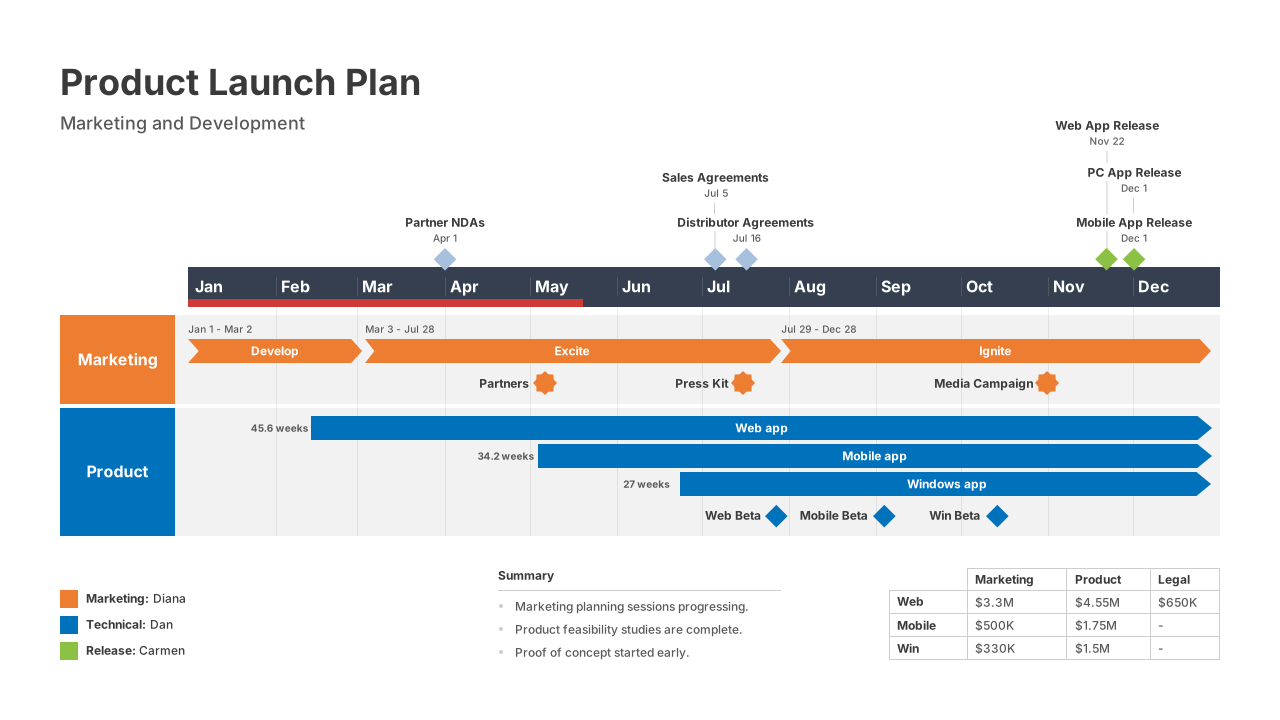
Made withProEdition
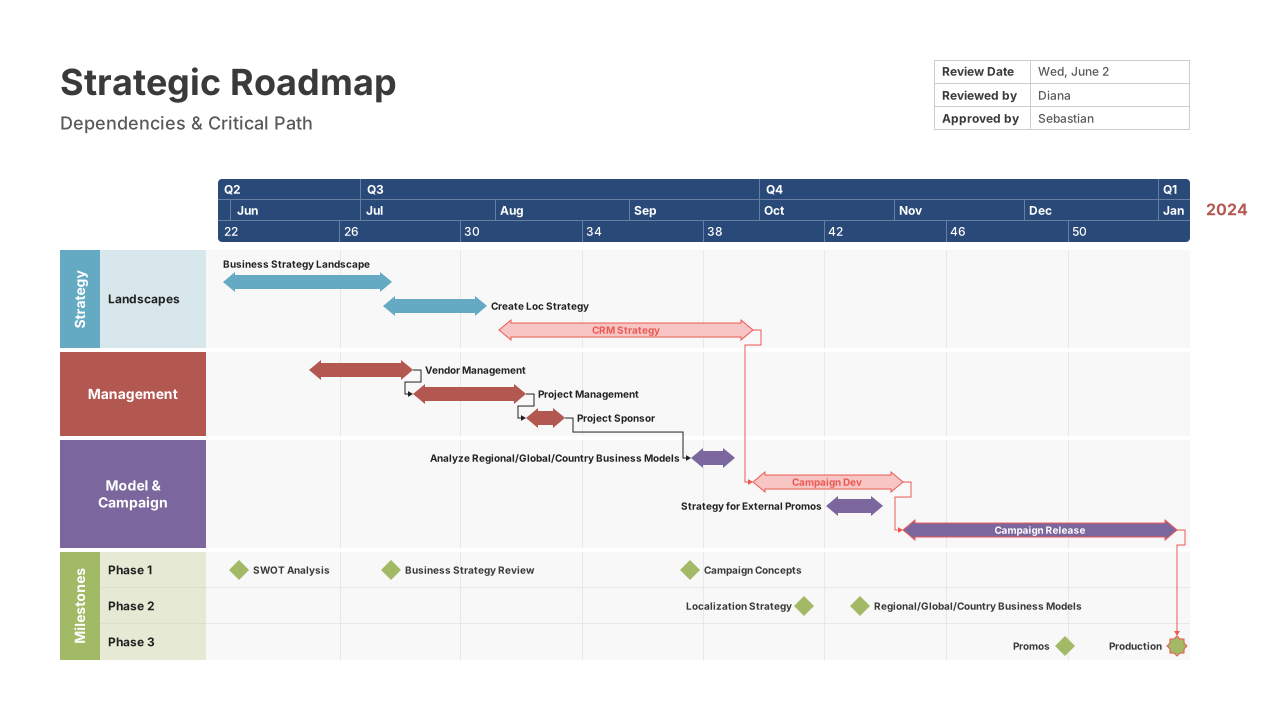
Made withPro+Edition
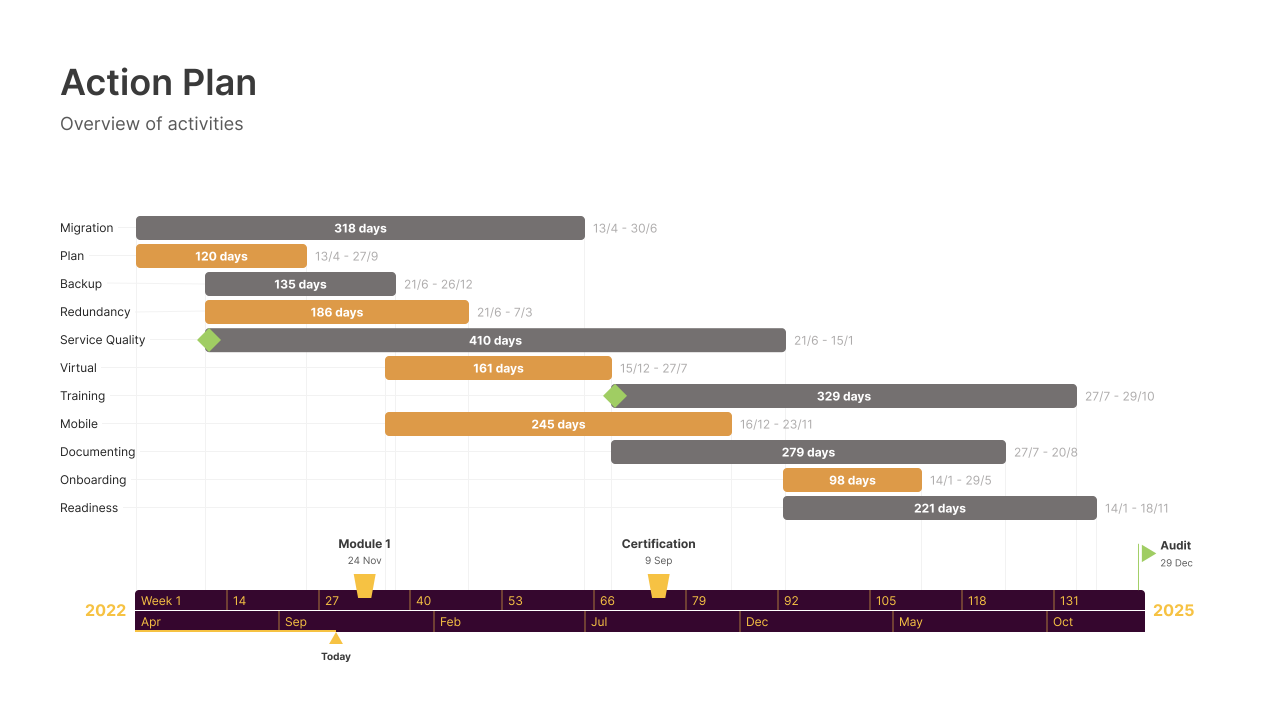
Made withOffice Timeline Online
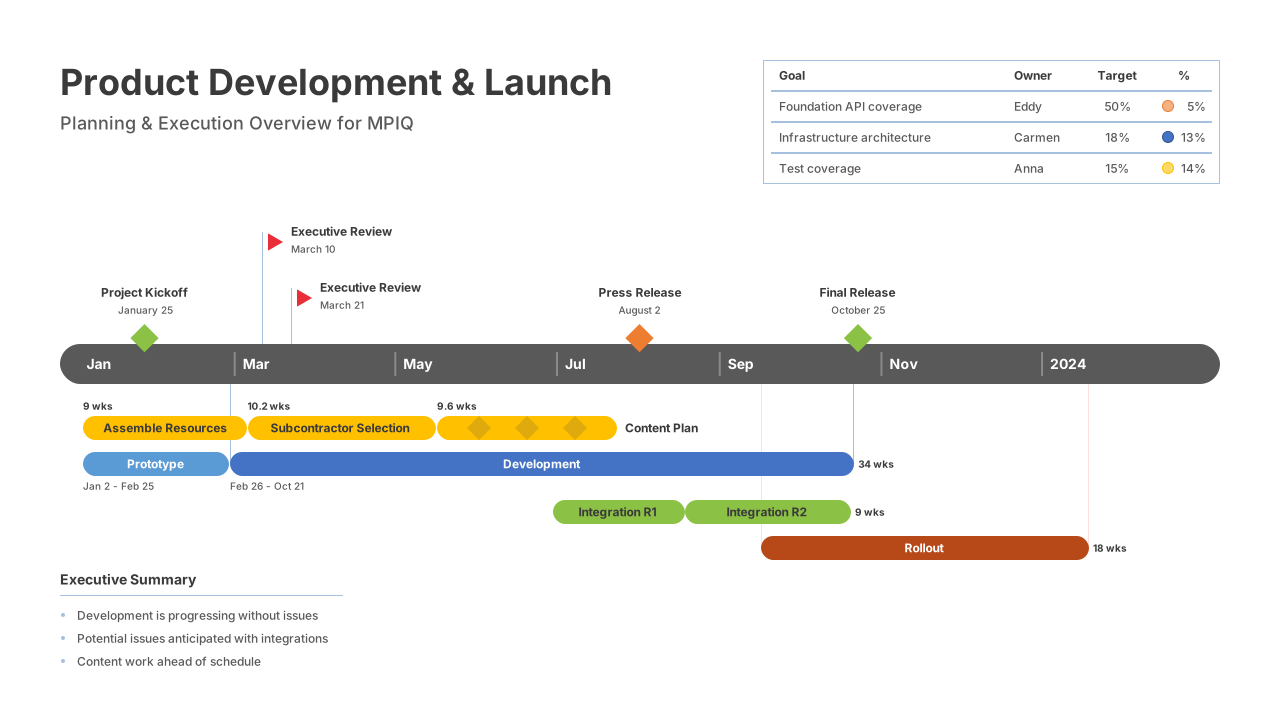
Made withProEdition
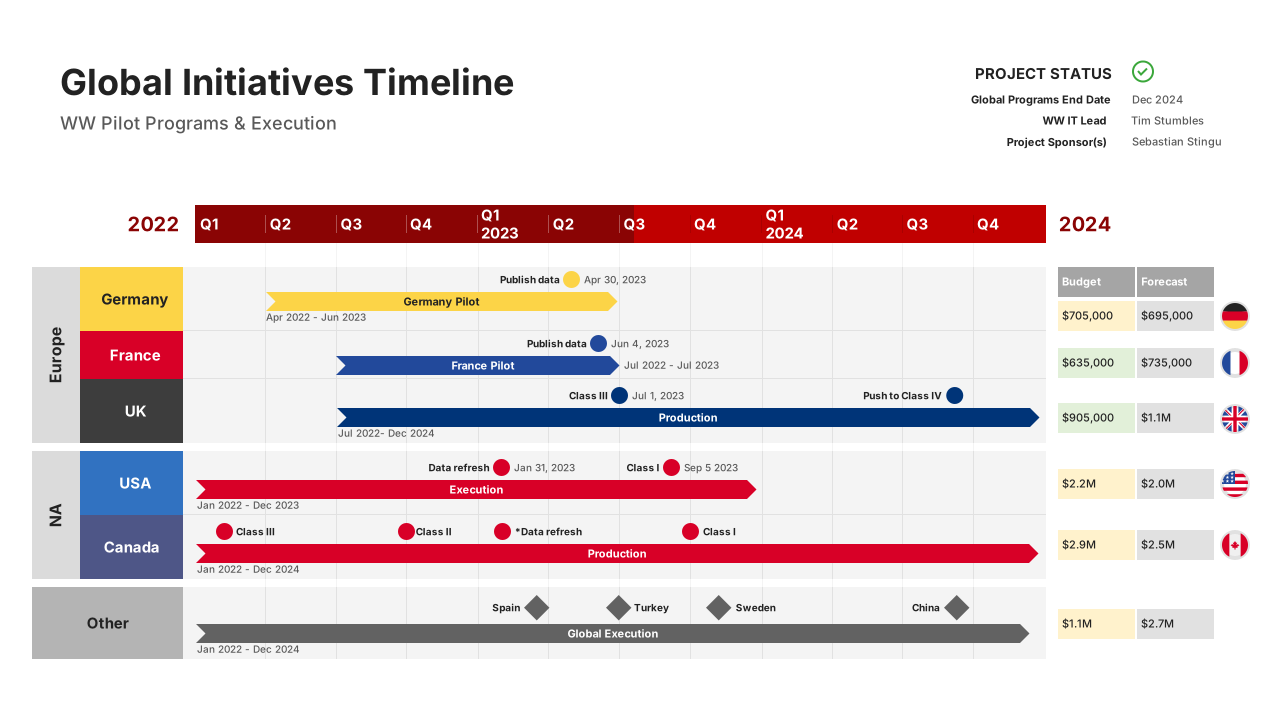
Made withPro+Edition
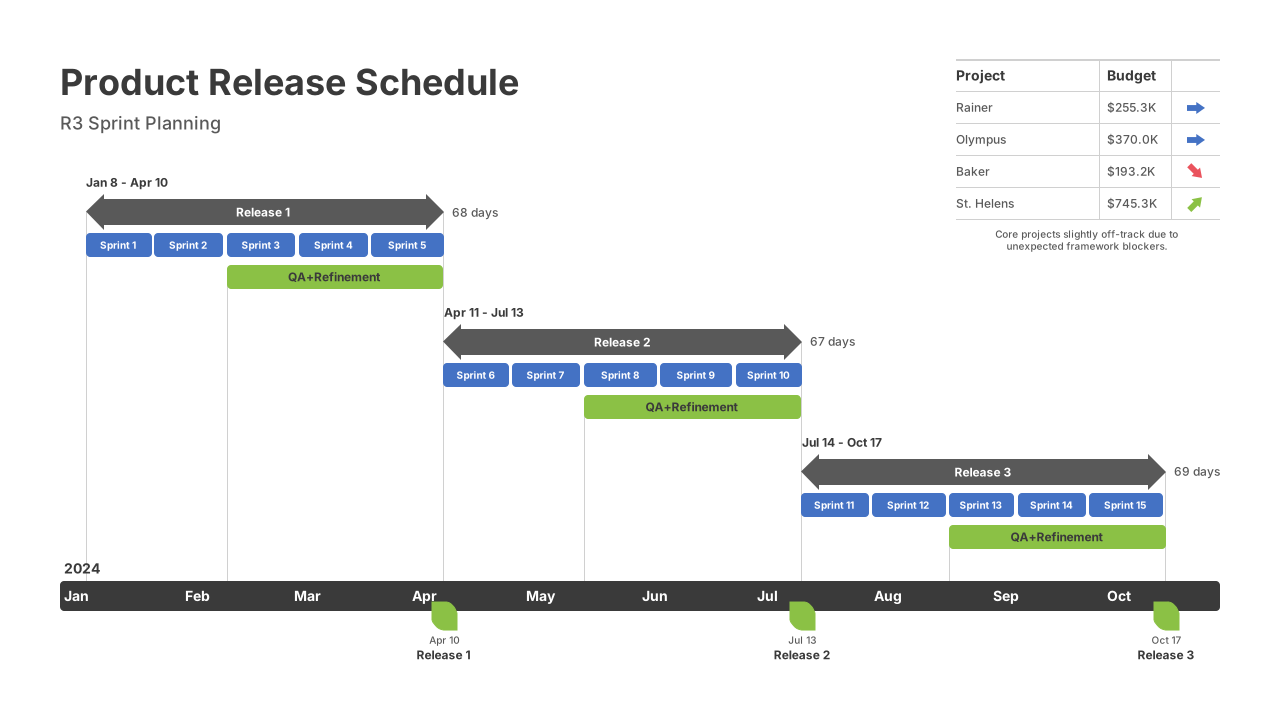
Made withProEdition
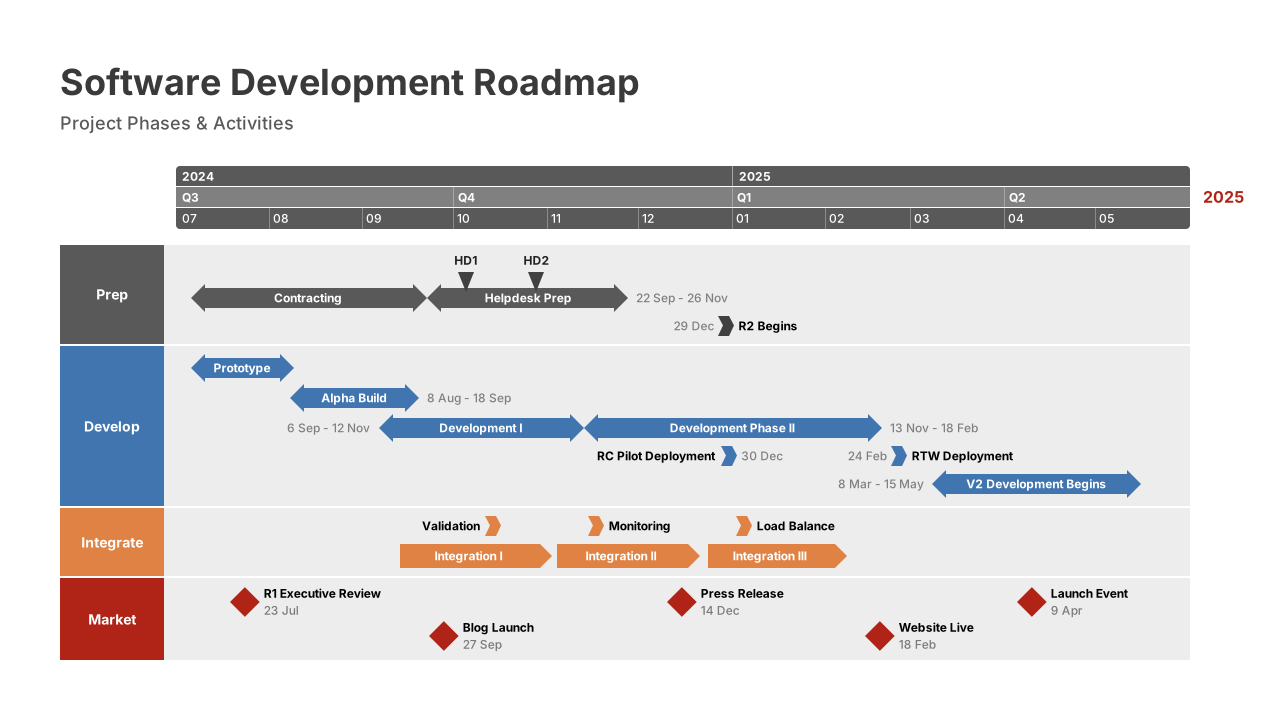
Made withOffice Timeline Online
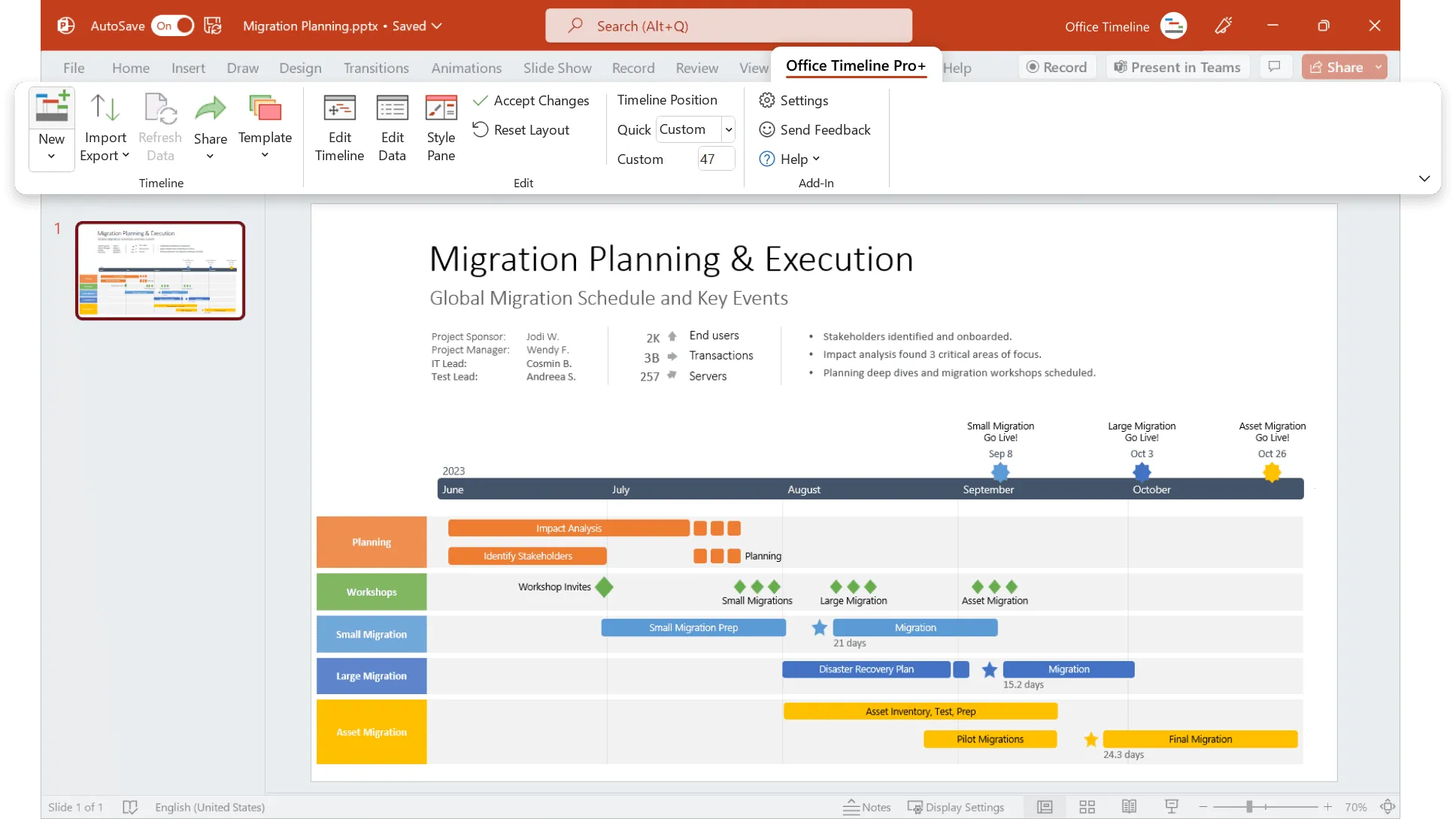
Make timelines and roadmaps directly in PowerPoint with the Office Timeline add-in.
Try the only timeline maker built for professionals, right inside PowerPoint®. Easily produce elegant timelines, Gantt charts, program roadmaps, and portfolio slides that no other application can match.
Get the richness of a desktop tool with Office Timeline’s PowerPoint add-in.
Make and share beautiful PowerPoint timelines online. Simply and quickly.
Try the only web-based timeline maker that builds native PowerPoint timeline and roadmap slides. Share your visuals and collaborate online, so you and your team are always in sync and ready for exec presentations.
Get the flexibility of a collaborative web tool with Office Timeline Online.
The timeline creators most popular with professionals.

I managed a particularly challenging project and needed to create nice graphical timelines for exec reviews. The Office Timeline add-in provided me with a tool that quickly created impressive PowerPoint timelines in an easy-to-understand visual. It allowed me to effectively present high-level timelines to executives who did not need to see, or want to see, all the minutia and complexity of my project.
 Mary Marshall, MSALead project manager, Fujifilm medical systems
Office Timeline Online has become an invaluable part of my toolset to create attractive and effective timeline slides for my clients. Since it runs in a browser, I am able to use it across both my Windows and Mac machines very easily.
 Jeff SteadmanIam strategist, Identropy
Simple on the surface, yet powerful underneath.
PowerPoint add-in
With the PowerPoint add-in for Windows®, you get stunning templates, powerful features, and drag & drop simplicity. Easily make impressive timelines and roadmaps that expensive and complex project management tools cannot.
PowerPoint timeline makerWeb-based tool
With our online app, you get the simplicity of the web to quickly make and share beautiful PowerPoint timelines – securely, from anywhere. Use our timeline generator to build professional-looking slides and update them in real time as plans change.
Online timeline maker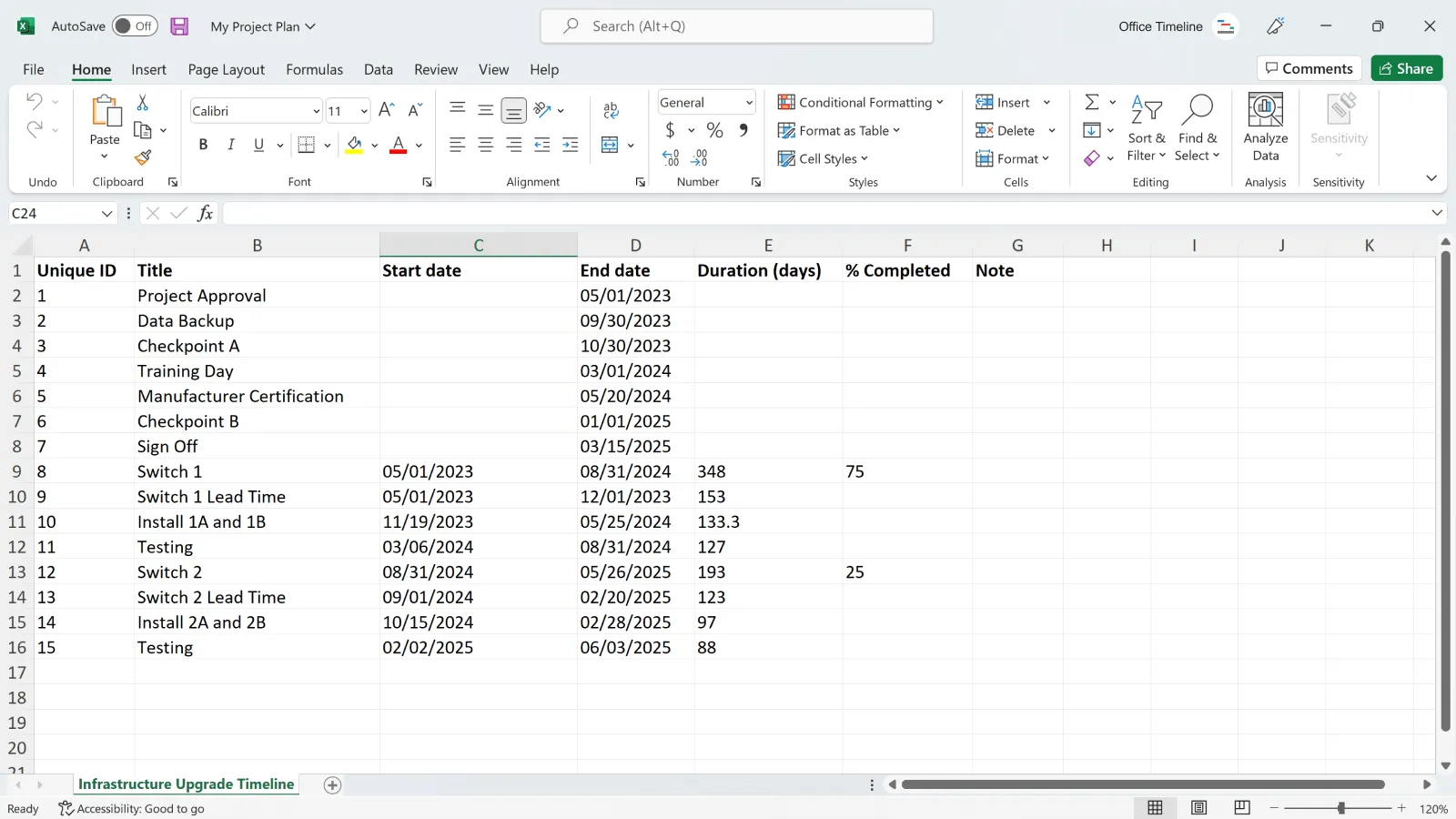
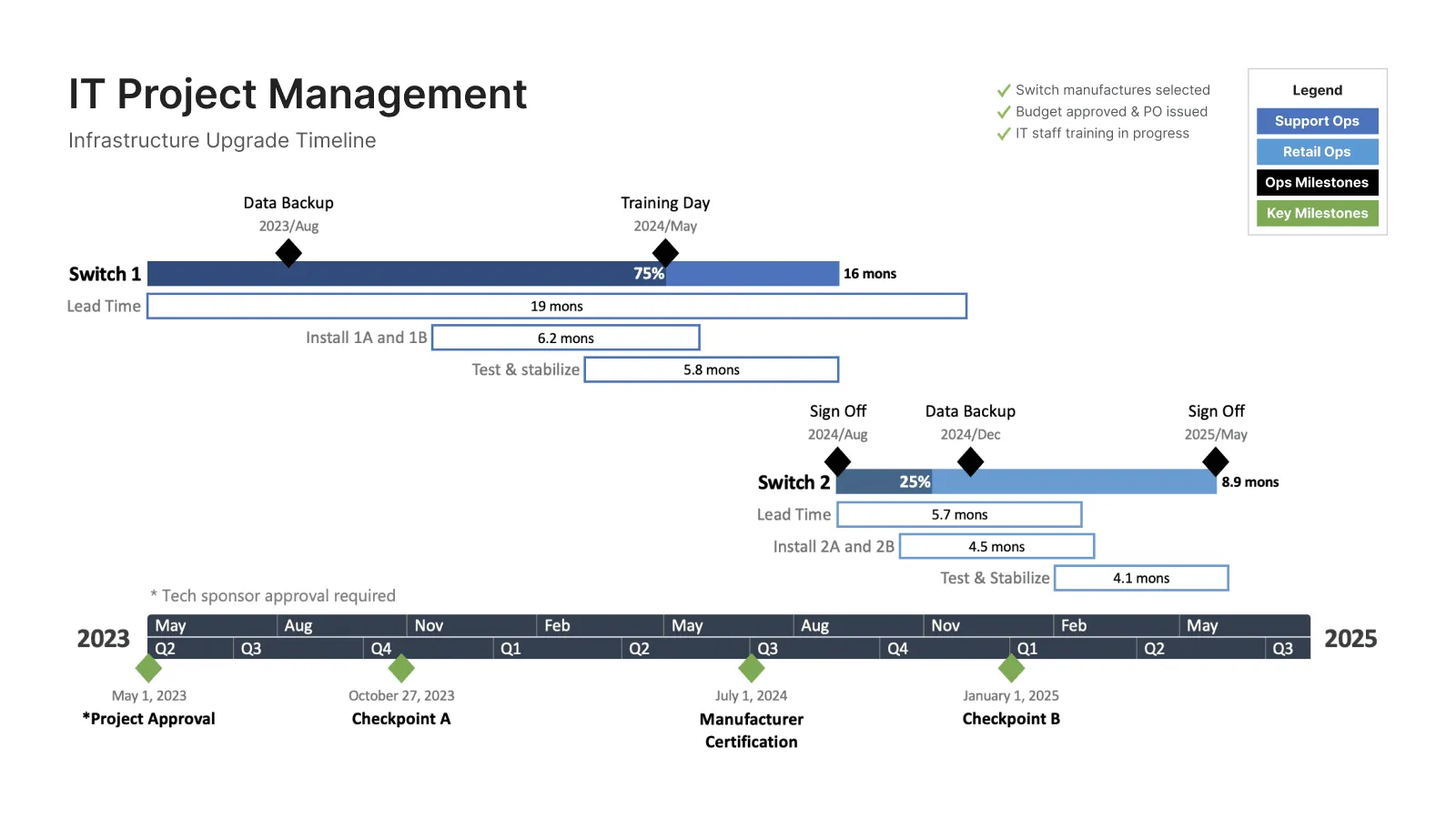
Sophisticated automation to make your work fast and efficient.
Office Timeline integrates with tools like Jira, Project®, Excel®, and Smartsheet to instantly generate beautiful visuals that you can update on the fly. A timeline creator intelligently designed to save you time.
Choose the free timeline creator that works the way you do.
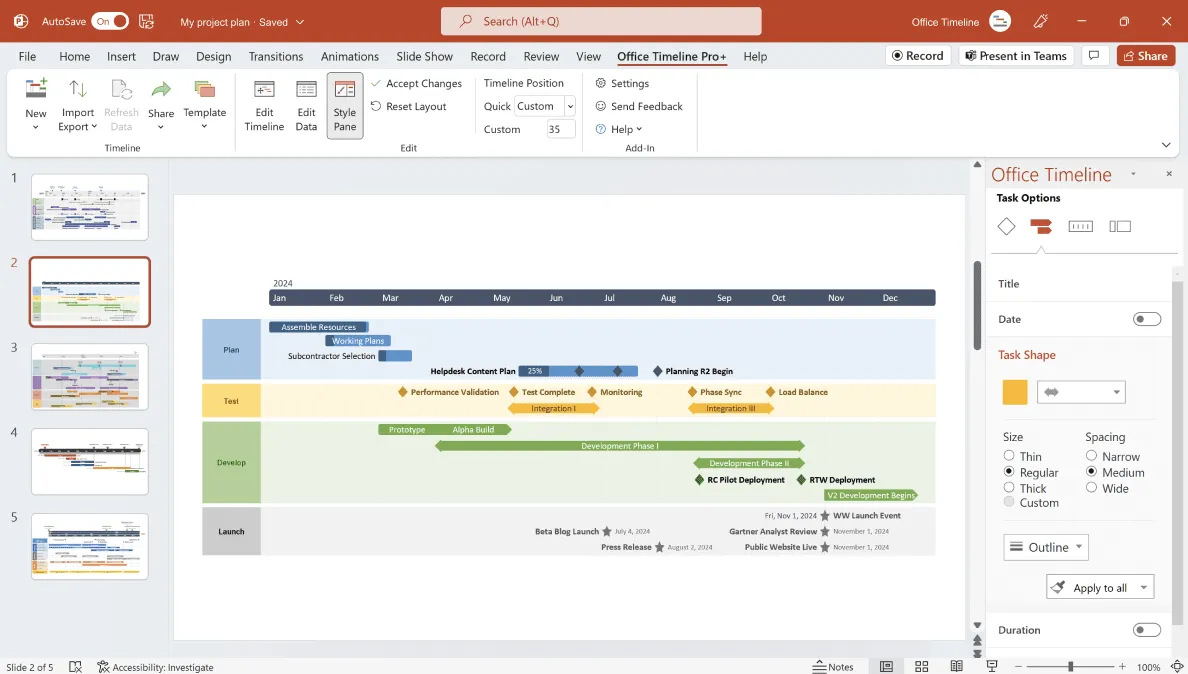
PowerPoint timeline maker
Use the feature-rich PowerPoint add-in to build striking timelines, Gantt charts and Swimlanes on your desktop PC. Easily customize every detail of your graphic to present your project in a crisp, distinctive way that impresses stakeholders.
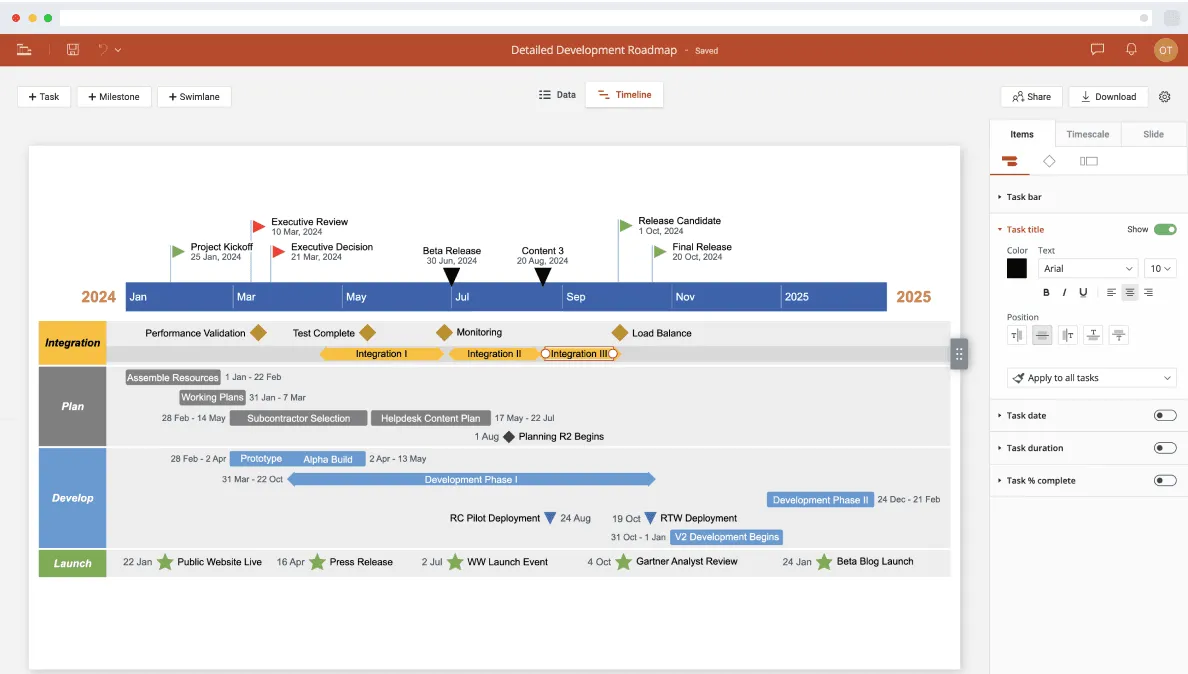
Online timeline generator
Use the web tool to create beautiful timelines anytime, anywhere, and access them quickly wherever you are. Build and style your graphic directly in your browser and download it in your preferred format, or share it with colleagues so they can view or update it too.